
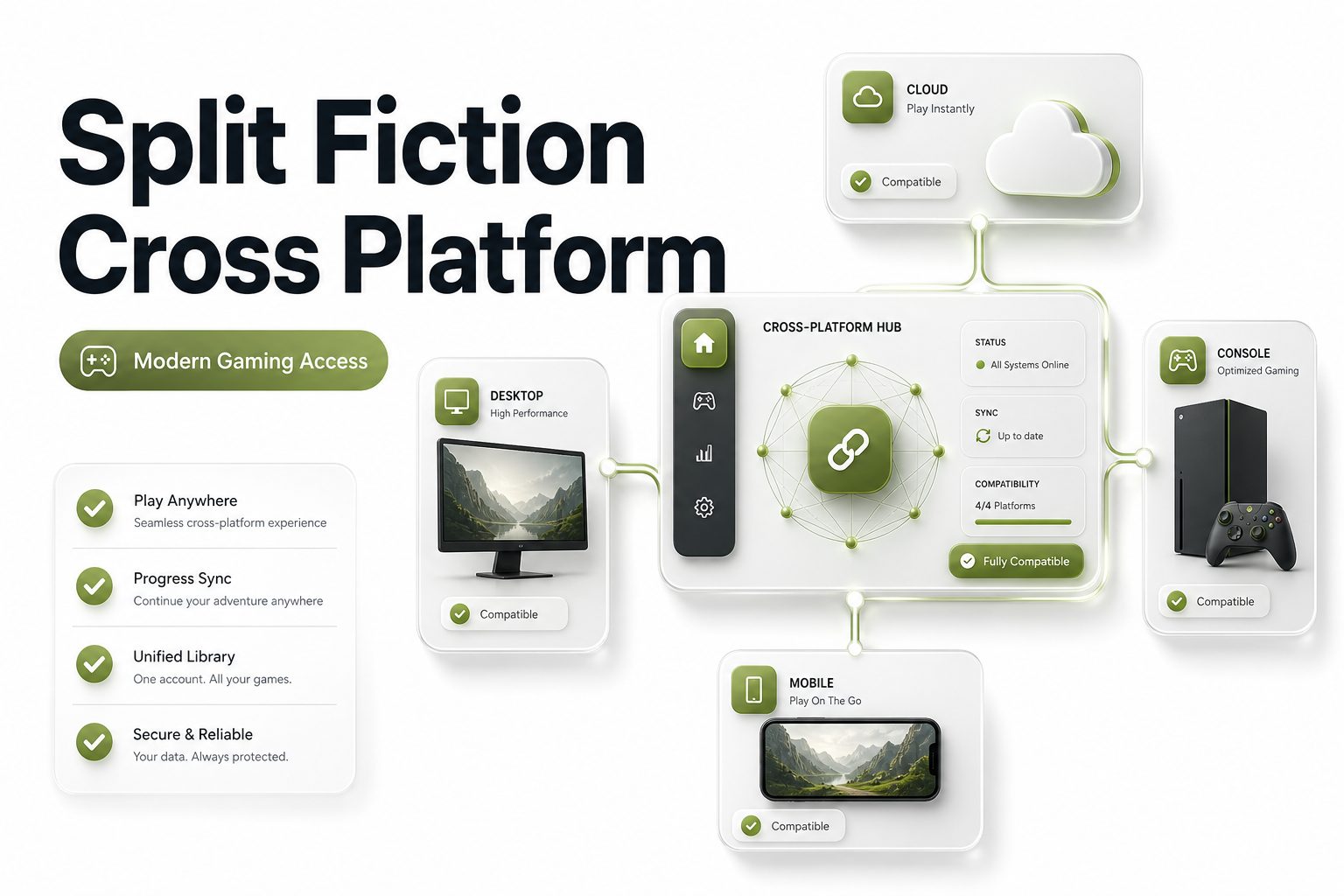
Split Fiction is cross platform across PlayStation 5, Xbox Series X and S, Nintendo Switch 2, and PC. Players can team up online even when they own the game on different supported systems, which makes the co-op setup much easier for mixed-platform friends.
The game was built as a two-player co-op adventure, so crossplay is central to the experience. One player controls Mio, while the other controls Zoe, and both players must coordinate through platforming, puzzles, action scenes, and story-driven challenges.
For anyone searching is split fiction cross platform, the direct answer is yes. Crossplay works through supported platforms and EA account features, while Friend’s Pass allows one owner to invite another player without requiring both people to buy the full game.
Supported Platforms
Split Fiction is available on PlayStation 5, Xbox Series X and S, Nintendo Switch 2, and Windows PC. PC players can access it through supported storefronts such as the EA app, Steam, and Epic Games Store, depending on region and purchase preference.
The original release covered PlayStation 5, Xbox Series X and S, and PC in March 2025. Nintendo Switch 2 support arrived later, adding another major platform to the crossplay pool and giving handheld players access to the same co-op adventure.
This platform list matters because Split Fiction is not a solo game. It requires two players, either locally or online, so platform flexibility helps players avoid the common issue of owning different systems from their preferred co-op partner.
Quick Crossplay Notes
- Split Fiction supports crossplay on PS5, Xbox Series X and S, Nintendo Switch 2, and PC.
- Online co-op requires an internet connection and the correct platform account.
- Friend’s Pass lets one owner invite a second player for online co-op.
- Both players may need EA account access for cross-platform invitations.
- Local co-op is available when both players use the same device and controllers.
How Crossplay Works
Crossplay in Split Fiction lets players connect across different platforms instead of staying limited to one console ecosystem. A PlayStation player can join a PC player, while an Xbox player can team up with someone on another supported system.
The process depends on online invitations and account linking. Players usually need to add each other through the relevant friend system or EA account list, then start an online session from the game’s co-op menu.
Crossplay also keeps the game’s core design intact. Both players still see split-screen perspectives, even during online play, because the game is built around two different viewpoints, timing windows, and character-specific mechanics.
Friend’s Pass Support
Friend’s Pass is one of Split Fiction’s most useful co-op features. It allows a player who owns the full game to invite another person online, even if the second player has not purchased the full version.
The invited player needs to install the Friend’s Pass version on their own platform. After installation, the full-game owner can send an invite, and both players can continue through the story together using supported online features.
This setup is especially helpful for cross-platform pairs. If one friend owns Split Fiction on PC and another plays on console, Friend’s Pass can reduce the cost barrier while keeping the full co-op campaign available.
Online Co-op Setup
To play online, both players should install the correct version of Split Fiction or Friend’s Pass on their chosen platforms. The owner launches the full game, selects online play, and sends an invitation to the second player.
If both players are on different platforms, EA account connections may be required. Adding the other player through EA’s friend system can make invitations easier, especially when platform-native friend lists do not show cross-platform contacts.
Players should also check whether crossplay is enabled in settings. If invites fail, the issue often comes from disabled crossplay, missing account links, outdated game versions, or platform privacy settings blocking online multiplayer.
Local Co-op Options
Split Fiction also supports local co-op, which is useful for players sharing the same screen. Both players can sit together, connect the required controllers, and play through the full adventure without needing cross-platform online features.
Local play is separate from crossplay because both players use one system. This option works best when you already have enough controllers and prefer the classic couch co-op style that Hazelight games are known for.
The split-screen format remains central in local mode. Each player still has a dedicated view, and many levels depend on communication, timing, and quick reactions between both sides of the screen.
Useful Setup Checklist
Before starting online crossplay, check these basics:
- Both players have installed Split Fiction or Friend’s Pass.
- The full-game owner starts the invite process.
- Crossplay is turned on in the game settings.
- EA accounts are connected where needed.
- Platform privacy settings allow multiplayer invites.
- Both versions are updated to the latest patch.
- Each player has a stable internet connection.
Crossplay Limits
Split Fiction supports crossplay, but that does not mean every issue disappears. Players still need platform accounts, internet access, game updates, and sometimes EA account friend connections before the invitation system works smoothly.
There may also be storefront or regional differences. PC players can buy through different stores, while console players use platform stores, but the important detail is whether the installed game version supports online services correctly.
Friend’s Pass also has requirements. The invited player must install the correct Friend’s Pass client, and one player must own the full game. It is generous, but it is still tied to official platform and account rules.
Nintendo Switch 2 Crossplay
Nintendo Switch 2 support expanded Split Fiction’s platform reach after the initial launch. This means Nintendo players can join the co-op conversation instead of being limited to local or same-platform play only.
The Switch 2 version supports the core adventure, but performance and visual quality may differ from more powerful systems. That does not remove crossplay value, though it may affect how players choose their preferred platform.
Players using Switch 2 should pay attention to controller setup, online membership needs, and account linking. These practical details matter more than the platform name when trying to keep a cross-platform session stable.
PC Crossplay Details
PC players have strong flexibility because Split Fiction is available through major storefronts. Whether someone buys through Steam, Epic Games Store, or the EA app, the online setup still depends on supported services and account connections.
For crossplay, PC users should make sure overlays, friend systems, and EA account features are working correctly. Sometimes an invitation problem is not a game issue but a launcher, firewall, or account visibility issue.
PC is also a good option for players who want higher frame rates or flexible controls. Still, the game is designed around two-player coordination, so smooth communication matters more than raw hardware power.
PlayStation And Xbox Crossplay
PlayStation 5 and Xbox Series X and S players can use crossplay to join friends outside their own console family. This removes a major barrier for players whose friend groups are split between Sony and Microsoft systems.
Console players should check platform privacy settings before blaming the game. Multiplayer restrictions, blocked cross-network features, or child account limitations can stop invitations even when Split Fiction itself supports cross-platform play.
The game’s design suits consoles well because it relies heavily on controllers, timing, and readable split-screen action. Crossplay simply widens the pool of available co-op partners without changing the structure of the campaign.
Friend’s Pass And Ownership
Only one player needs to own the full game when using Friend’s Pass for online co-op. The second player downloads the pass, accepts the invite, and joins the campaign through the owner’s session.
This does not turn Friend’s Pass into a full standalone copy. The invited player depends on the owner’s invitation and cannot freely host the full campaign without buying the game themselves.
For budget-conscious players, this is one of Split Fiction’s strongest features. It makes cross-platform co-op easier to recommend because friends can try the full journey together with one purchase instead of two.
Crossplay Benefits For Co-op Players
Crossplay matters more in Split Fiction than in many other games because the entire campaign requires two players. Without a partner, there is no standard solo path, so a wider player pool directly improves access.
The feature also helps long-distance friends. One person may prefer PC, another may use PlayStation, and another may own Switch 2, but Split Fiction allows compatible players to focus on playing instead of matching hardware.
For readers comparing co-op titles, our cross platform games guide can help place Split Fiction beside other multiplayer games that support mixed-platform play. That comparison is useful before buying a game mainly for online sessions.
Best Way To Start Playing
The simplest route is for one player to buy Split Fiction on their preferred platform. The second player should download Friend’s Pass on their own supported platform, then both players should connect accounts before launching the session.
If both players already own the game, either person can host. In that case, the main setup task is confirming crossplay settings and making sure both players can see each other through platform or EA friend lists.
Voice chat is also worth arranging before starting. Split Fiction often asks players to react together, explain what they see, and coordinate actions, so a separate chat app or platform party can make the campaign smoother.
Common Invite Problems
Invite issues usually come from account visibility, disabled crossplay, outdated game versions, or missing Friend’s Pass installation. These are ordinary setup problems, but they can look confusing when both players are on different systems.
A good first step is restarting the game after checking updates. Both players should confirm they are using the right edition, signed into the correct account, and visible to friends through the required online service.
If problems continue, use the same invite path consistently. For example, try EA account invitations instead of platform-only invites when playing across different ecosystems, since cross-platform friend lists are often handled through EA services.
Why Split Fiction Fits Crossplay Well
Split Fiction’s structure makes crossplay feel natural. It is not a competitive shooter where input differences can create balance debates. It is a co-op adventure where the main goal is communication, timing, and shared progress.
The game also keeps both players equally involved. Mio and Zoe often have different abilities, so neither person feels like a guest watching the owner do the important work during major sequences.
That balance supports Friend’s Pass as well. Even if only one player purchased the game, both players still get a complete role in the story, puzzles, action moments, and character-driven scenes.
Buying Advice
If your main goal is online co-op with a friend on another platform, Split Fiction is a strong choice. Its crossplay and Friend’s Pass combination makes it easier to coordinate than many premium multiplayer games.
Pick the platform based on comfort, performance preference, and where you normally manage friends. PC may offer flexibility, PlayStation and Xbox offer simple living-room play, and Switch 2 adds portable access with some technical tradeoffs.
For more buying comparisons, our best co-op games list can help you judge whether Split Fiction matches your preferred style. It is best for players who enjoy teamwork, shifting mechanics, and constant two-player interaction.
Conclusion
Split Fiction is a cross-platform co-op game across PS5, Xbox Series X and S, Nintendo Switch 2, and PC. It supports online crossplay, local co-op, and Friend’s Pass, making it easier for two players to start together.
The most important setup details are simple: one player needs the full game for Friend’s Pass, both players need the correct installation, and crossplay should be enabled. EA account connections can also help when friends use different platforms.
For anyone asking is split fiction cross platform, the answer is yes. The game is built around two-player cooperation, and its crossplay support makes it far easier for friends on different systems to share the full campaign.
FAQ
Is Split Fiction crossplay available on all platforms
Yes, Split Fiction supports crossplay across PlayStation 5, Xbox Series X and S, Nintendo Switch 2, and PC. Players still need the right account setup, online access, and updated game versions for invitations to work properly.
Does Split Fiction need two copies
No, two full copies are not required when using Friend’s Pass. One player must own the full game, while the second player installs Friend’s Pass and joins through an online invitation from the owner.
Can PC and PS5 play Split Fiction together
Yes, PC and PS5 players can play Split Fiction together through crossplay. Both players should check account connections, enable crossplay, and use the correct invite method if platform friend lists do not show each other.
Does Split Fiction have local co-op
Yes, Split Fiction supports local co-op on one system. Both players need suitable controllers and can play together on the same screen without using crossplay, since crossplay only applies to online sessions between different platforms.
Is Friend’s Pass the full game
Friend’s Pass gives the invited player access to the campaign while playing with someone who owns the full game. It is not a full independent copy, so the pass user cannot host the complete game alone.
0 Comments